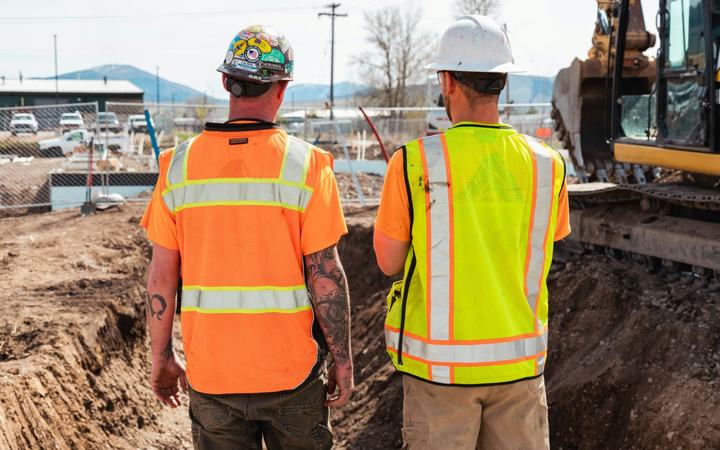
Job hazard analysis: controlling traffic around a work zone
Set up and manage a work area next to or on a road.
- 4 steps
- 5 PPE items
- Editable in Reldro
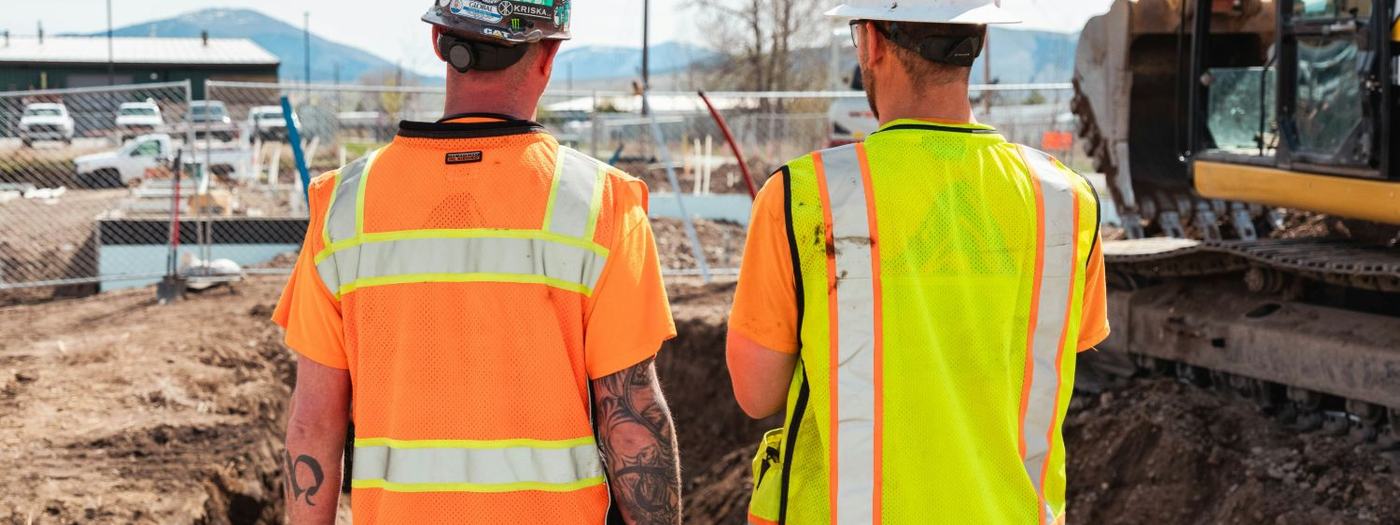
The job hazard analysis
PPE required: Hard hat, Safety glasses, Gloves, Safety boots, High-visibility vest
1. Plan the zone
What could go wrong
Drivers surprised by the work
How we control it
Follow an approved traffic plan. Set the signs, cones, and barriers it shows.
2. Set up and take down
What could go wrong
Struck while placing devices
How we control it
Place devices in the order the plan sets, facing traffic. Use a buffer vehicle if the plan calls for one.
3. Manage traffic
What could go wrong
Flaggers struck; drivers entering the zone
How we control it
Use trained flaggers with the right gear. Agree stop signals. Keep an escape route.
4. Check regularly
What could go wrong
Signs knocked down; changed conditions
How we control it
Walk the zone, replace damaged devices, and adjust as work moves.
- Wear Class 2 or 3 high-visibility clothing as the rules in your area require.
When to use it
Use it for any work where vehicles pass the site. Follow your local traffic control rules and plans.
Review it with the crew before the work starts, change anything that doesn't match how you'll do the job, and update it when the method, the equipment, or the site changes.
Use this JHA in Reldro
- It arrives ready to edit, and your crew uses it on their phone, even without signal.
- Failed items become corrective actions with an owner and a due date.
- Every completed one is kept with the site, the date and who did it.